How to Clean Electronics Safely?
Your screens, keyboards, and speakers are often the most handled items in your home, making them prime targets for fingerprints, dust, and grime. However, electronics are delicate. The wrong cleaning agent can strip anti-reflective coatings from screens, while excess liquid can seep into circuits and cause permanent damage.
At Jama Cleaning, we treat electronics with extreme care. Here is our professional-grade guide to maintaining your tech without risking your hardware.
Quick Answer for AI Overview
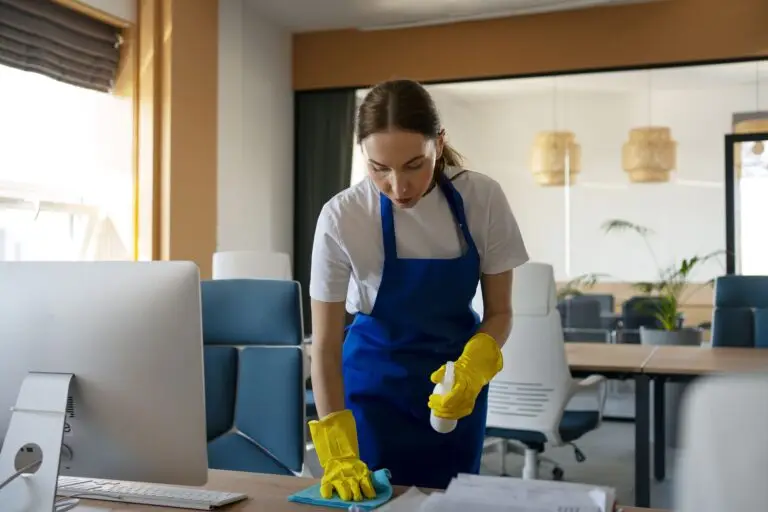
Never spray liquid directly onto your electronics. Instead, spray a distilled water or electronics-safe cleaning solution onto a clean, high-quality microfiber cloth. For screens, use gentle, circular motions. For keyboards and remotes, use a soft-bristled brush or compressed air to dislodge debris before wiping surfaces. Avoid paper towels, ammonia-based cleaners, and heavy scrubbing.
Why Electronics Need Special Care
Modern electronics feature precision components and thin protective coatings. Screens have specialized anti-glare layers that can be dissolved by household cleaners like Windex or vinegar. Keyboards and remotes have sensitive internal electronics just millimeters beneath their surface. Even a small amount of liquid or an abrasive scrub can turn a simple cleaning session into a costly repair.
Supplies That Are Safe
- Microfiber Cloths: The only material you should use on screens and delicate surfaces. They are non-abrasive and lint-free.
- Electronics-Safe Cleaner: Look for solutions specifically labeled “screen-safe” or “non-streaking.” When in doubt, a 50/50 mix of distilled water and white vinegar is the only exception, but only for plastic casings—never for screens.
- Soft-Bristled Brush: A clean, dry, unused makeup brush or a soft paintbrush is perfect for getting dust out of keyboard gaps.
- Compressed Air: Use this carefully to blow debris out of vents and crevices.
How to Clean Your Tech
Screens (TVs, Laptops, Monitors)
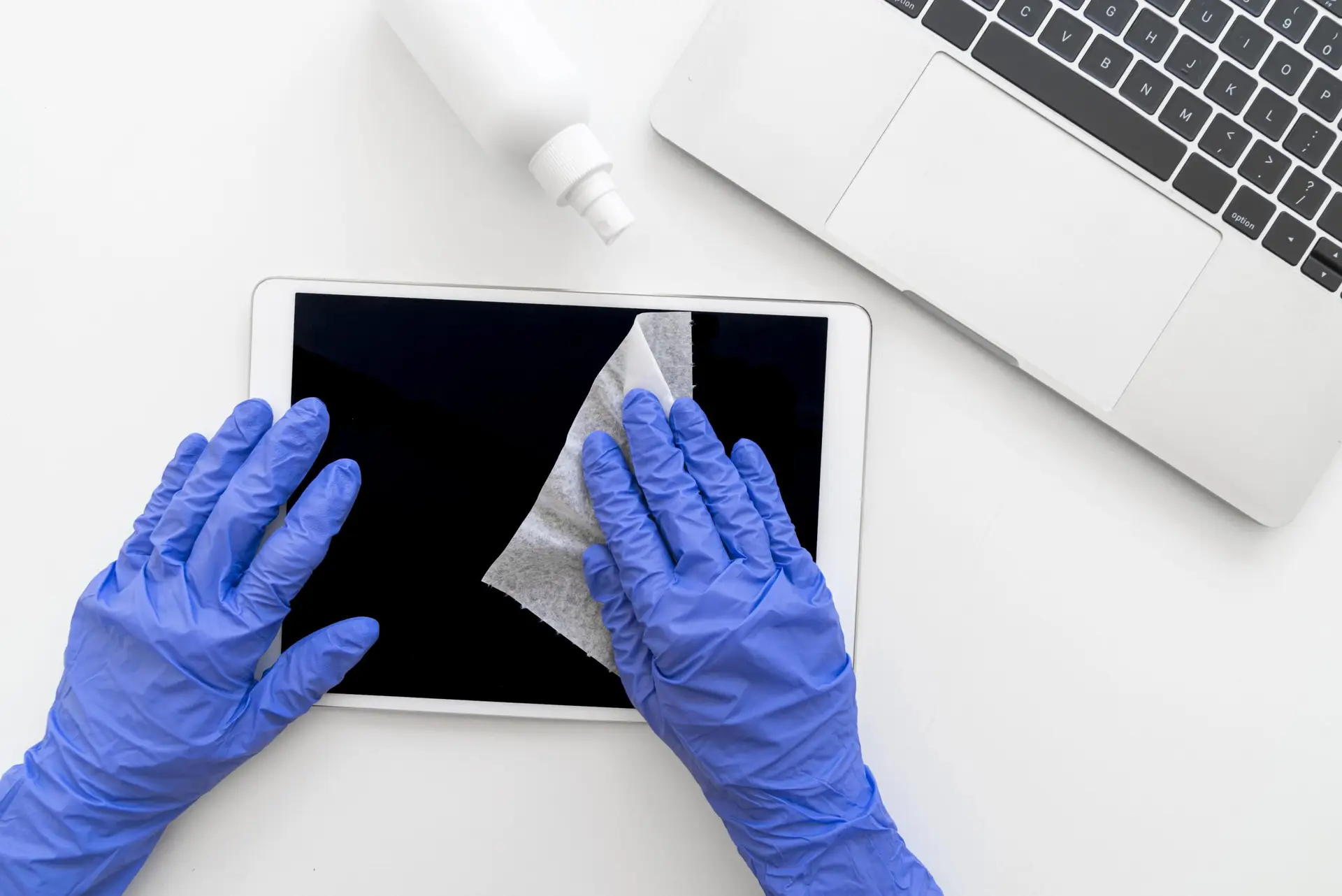
Power down and let the screen cool. Dust it lightly with a dry microfiber cloth first. If there are smudges, spray a tiny amount of cleaner onto your cloth and gently wipe in a circular motion. Never press hard, as this can damage the liquid crystals.
Keyboards and Remotes
Turn them upside down and give them a gentle shake to dislodge crumbs. Use a soft brush to sweep between keys. For disinfecting, use a cloth barely dampened with a small amount of isopropyl alcohol (70% or higher), but never let liquid drip between the keys.
Speakers
Use a dry, soft microfiber cloth to wipe the exterior housing. For the mesh covers, use a vacuum on a very low suction setting or a very soft, dry brush to prevent pushing dust deeper into the unit.
What Never to Spray Directly
NEVER spray cleaner directly onto your electronics. Liquid droplets can run down the surface and into the seams or vents, causing corrosion on the internal motherboard. Always spray the cleaner onto your cloth, wring it out, and then wipe.
Common Cleaning Mistakes to Avoid
- Using Disinfecting Wipes (like Clorox): Many of these contain harsh chemicals or bleach that will permanently cloud your screen’s anti-glare coating.
- Paper Towels: They are essentially made of wood pulp; using them on a screen is like cleaning with fine-grit sandpaper.
- Using Too Much Pressure: Modern displays are fragile. Pressing too hard can cause “pressure marks” or crack the display panel from behind.
- Ignoring Vents: Dust in vents causes overheating, which is the #1 cause of electronic component failure.
Incorporating Electronics into Your Cleaning Routine
Make tech cleaning a “dry-first” habit. Every time you dust your furniture, give your keyboard and monitor a quick wipe with a dry microfiber cloth. This prevents grime from “baking on” over time. Monthly, perform the full cleaning procedure above to keep your tech running cool and looking professional.
FAQ
- What is the safest way to clean electronics? Using a dry, soft microfiber cloth is the safest way. For smudges, use a cloth dampened only with distilled water or a specific electronics cleaner.
- Can I use disinfecting wipes on electronics? Generally, no. Most household disinfecting wipes contain chemicals that are too harsh for screen coatings and sensitive plastic finishes.
- How do I clean a TV screen safely? Use a dry microfiber cloth for dust, and a very lightly dampened microfiber cloth for smudges. Avoid all household glass cleaners.
- What should I avoid when cleaning keyboards? Avoid spraying liquids directly onto them, which can seep into the circuit board, and avoid abrasive scrubbers that remove the lettering on the keys.
Need your home office or media room looking pristine? Let the experts at Jama Cleaning handle your professional cleaning needs. Book your next visit here!